PrintAvera Collection
Notion Templates That Actually Stick
Aesthetic, functional Notion setups for students, creators, and life organizers.
Almost everyone who has tried Notion has the same story. You watch a tour of someone's beautiful setup, feel a jolt of possibility, and spend a whole Sunday building databases, linking pages, and nesting toggles inside toggles. It looks magnificent. Then Tuesday arrives, real life gets loud, and the thing you built asks for more attention than the tasks it was meant to hold. Within a fortnight it sits abandoned in the sidebar, quietly reminding you of a version of yourself who had time to maintain it. If that is familiar, you are not disorganised. You simply built a workshop when what you needed was a desk.
The honest truth is that most Notion setups fail for the same reason: they are too clever for the life they are supposed to serve. A tool earns its place by being reached for on an ordinary, tired day, not by looking impressive in a screenshot. A good notion life planner should hold the shape of your week in a glance, let you capture a stray thought in two seconds, and never once make you feel behind. That is a much lower bar than the tutorials suggest, and hitting it reliably is worth far more than any twenty database masterpiece you will never open twice.
This guide is about building something that actually sticks. We will look at why the ambitious setups quietly collapse, how to design a simple life OS you will genuinely keep, and where the line sits between aesthetic and functional. We will talk about notion for students in particular, because a semester is a brutal test of any system, and about when a ready-made template beats building your own from a blank page. Along the way you will find tools made for exactly this, from the Notion Life Planner to the Content Calendar Template, so the structure does the remembering and you get on with the living.
Shop the Collection
Notion Template Printables
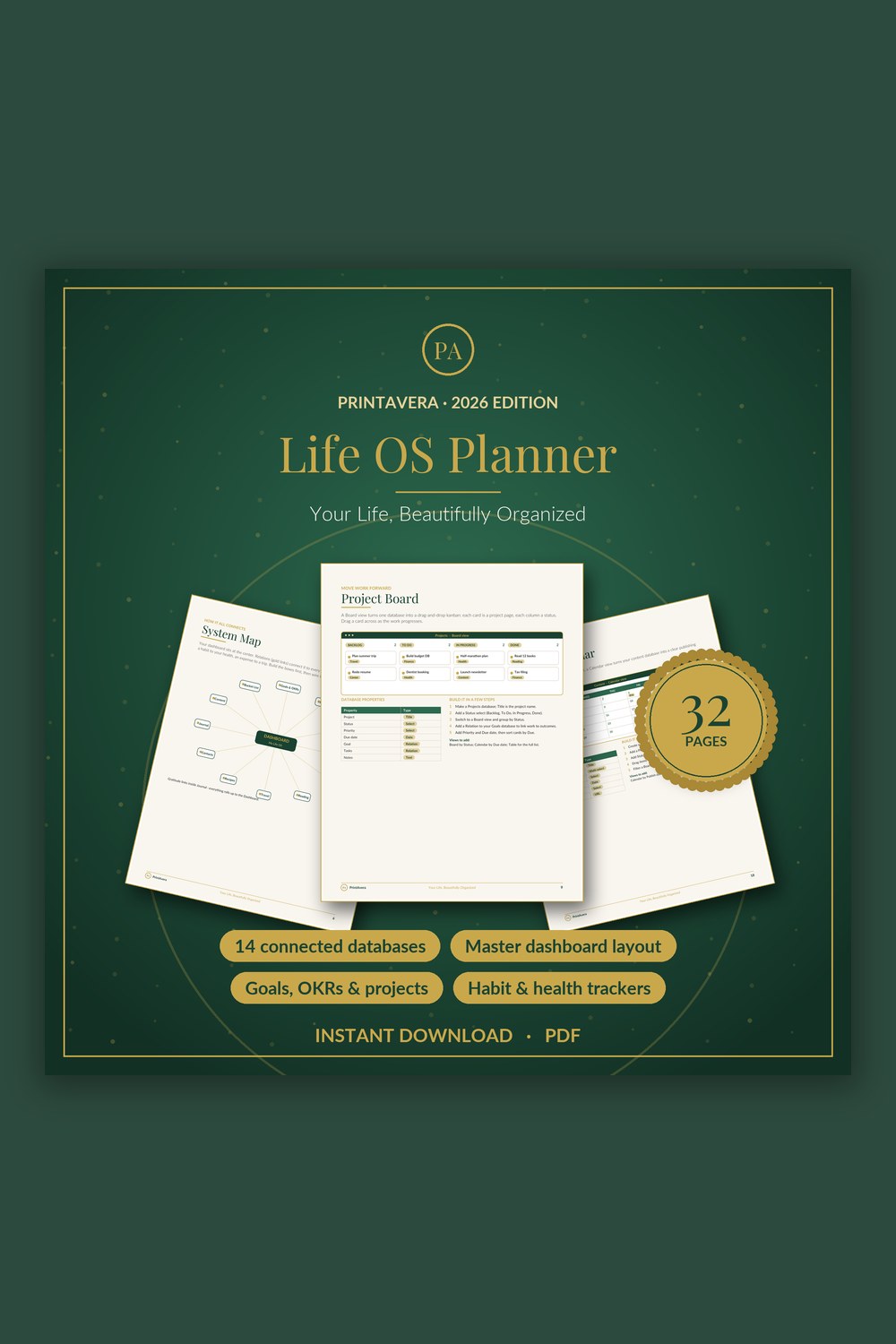
Life Planner Template for Notion
Build your own complete life operating system in Notion – fourteen connected databases and one beautiful dashboard, fully guided from the very first click.
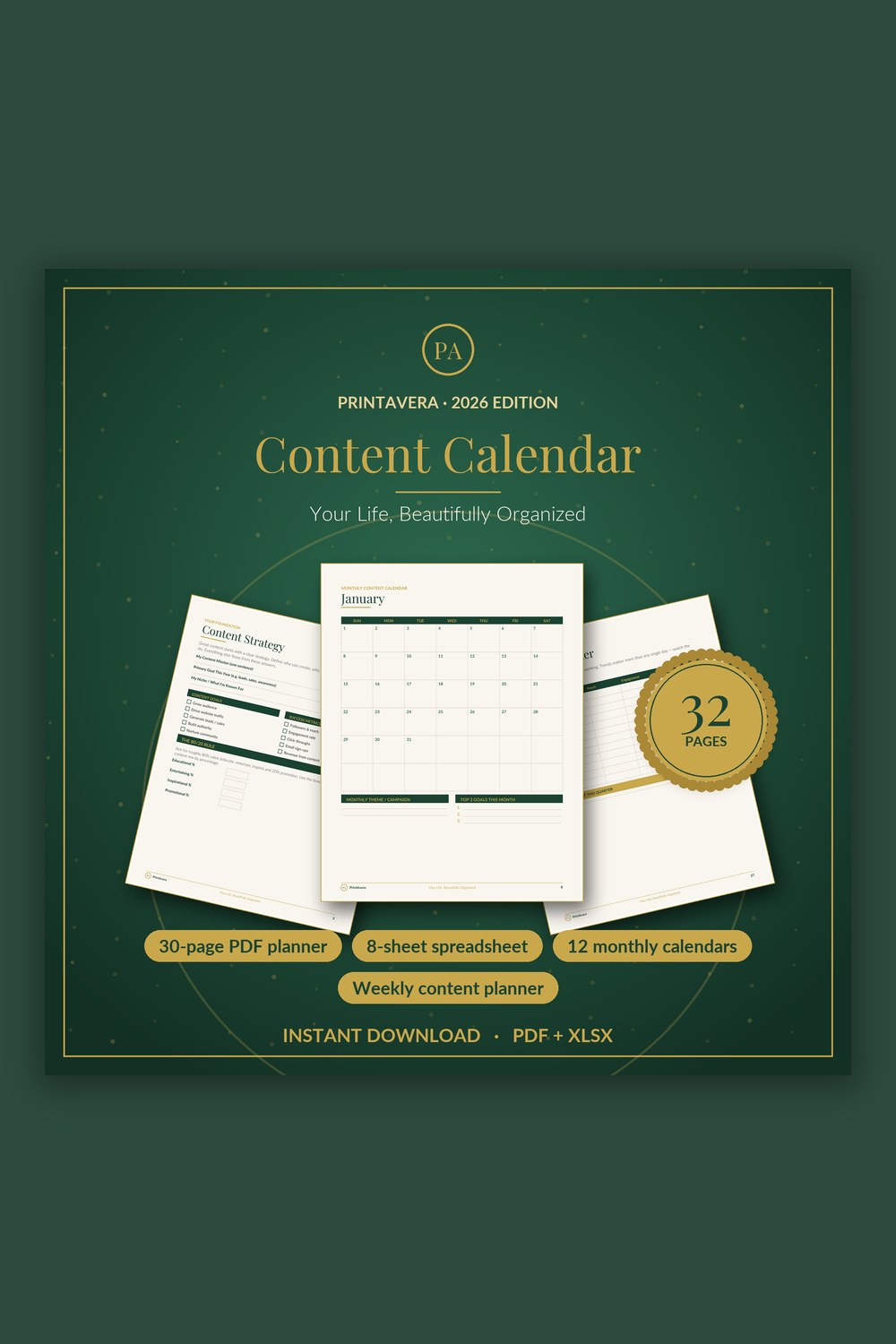
Content Calendar Template
Turn scattered ideas into a calm, consistent content system across every platform.
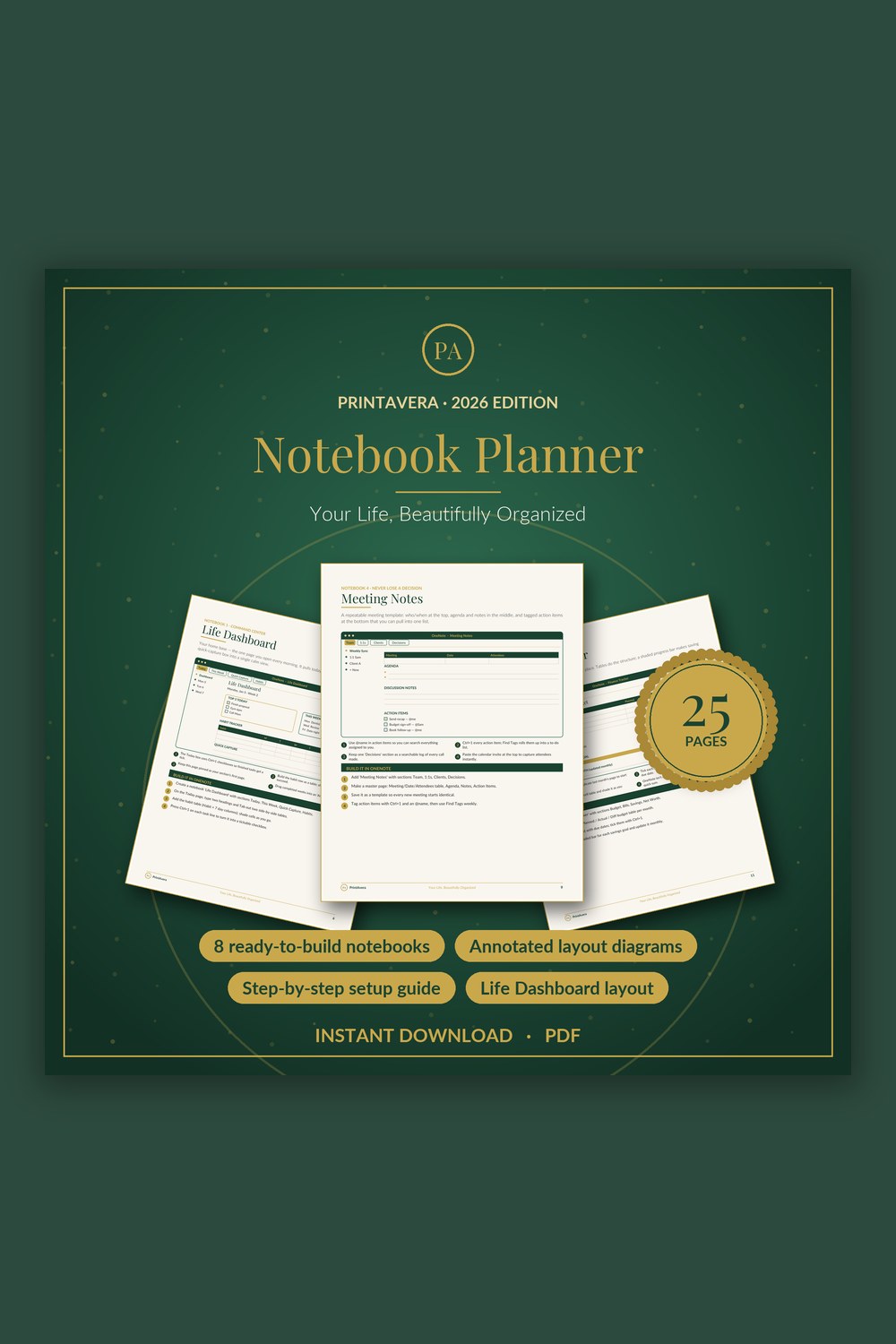
Digital Planner Template for OneNote
Turn the free Microsoft OneNote app into a gorgeous, do-anything digital planner you will actually use.
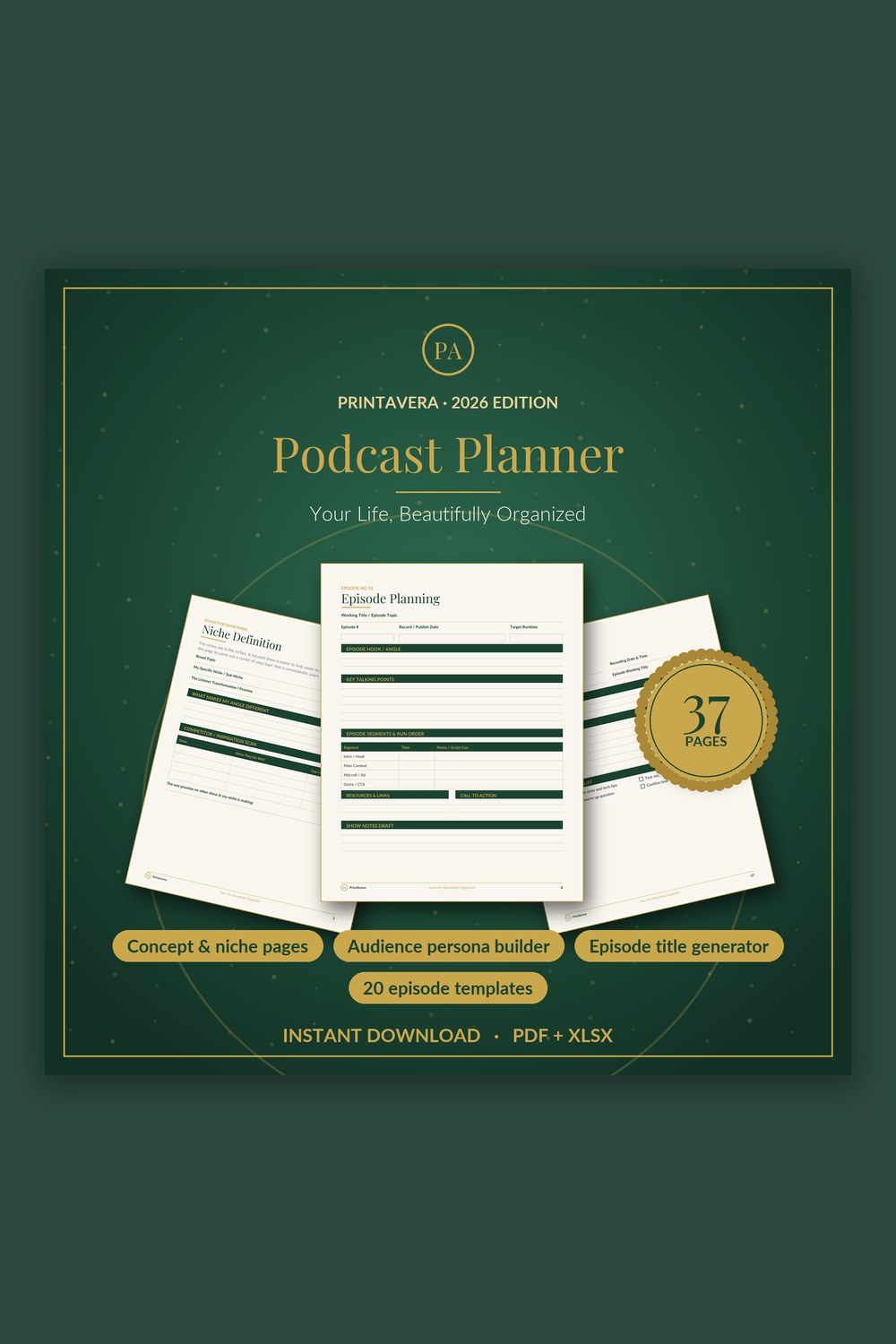
Podcast Planner Template
Everything you need to plan, record, and grow a podcast you're proud of — in one calm, beautiful system.
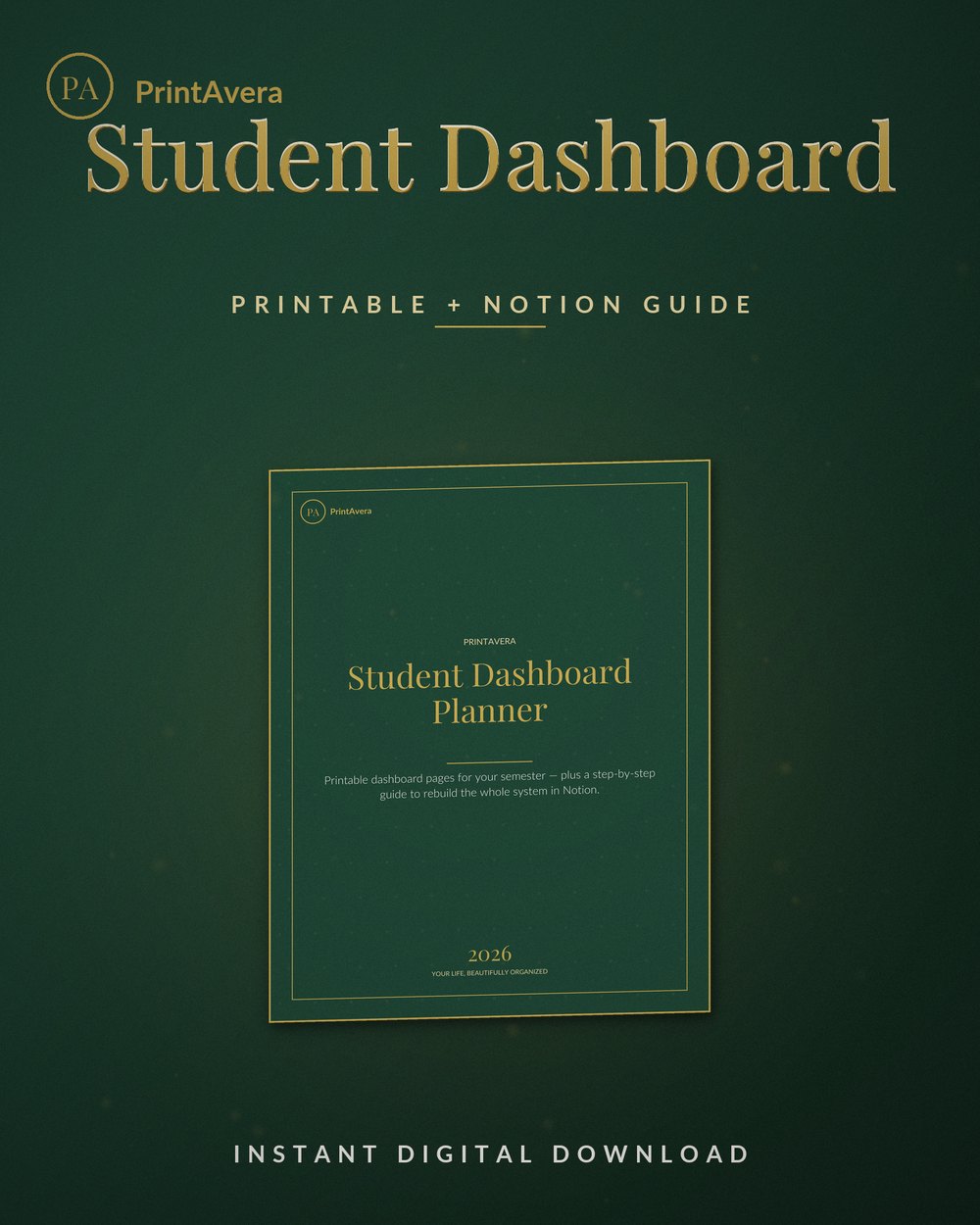
Student Dashboard Planner + Notion Setup Guide
A notion student dashboard done two ways: printable student planner pages you can use today, plus a step-by-step guide to build the…
The Complete Guide
Why most Notion setups quietly get abandoned
The failure is rarely dramatic. Nobody decides to quit their system. What happens is quieter: the setup asks for a little more effort than the moment can spare, and so you skip it once, then twice, and soon the habit of opening it has evaporated. Complexity is the usual culprit. When capturing a single task means choosing a project, a status, a priority, three tags, and a due date, your brain does the sensible thing and reaches for a scrap of paper instead. Every field you add is a small tax on future you, and future you is often exhausted. A system survives on how little it asks of you on your worst day, not your best.
A system survives on how little it asks of you on your worst day, not your best.
The second trap is the database sprawl. Notion makes it delightfully easy to add another linked database, another rollup, another related view, and each one feels like progress while you are building it. But a home that keeps growing new rooms becomes a home nobody wants to clean. Soon you are maintaining the tool instead of using it, tending relations and filters that serve the structure rather than your actual week. The best notion planners tend to be embarrassingly plain underneath. They resist the urge to model your entire existence and instead hold the handful of things you truly check every day.
The third reason is subtler and more human. A brand-new setup carries the glow of a fresh start, and fresh starts feel wonderful precisely because nothing has gone wrong yet. The building is the reward, not the using. So we build, and build again, chasing that clean-slate feeling instead of doing the unglamorous work of showing up to the same modest page for weeks. If you have rebuilt your workspace four times this year, that is not a character flaw. It is a sign the setups were designed to be admired rather than lived in, and it is entirely fixable.
- If capturing one task takes more than two taps, the system is already too heavy.
- Every new database is a promise to maintain it, so add them slowly and reluctantly.
- Beware the fresh-start glow; rebuilding often feels like progress but rarely is.
- Judge a setup by how it holds up on a tired Tuesday, not a hopeful Sunday.
The life OS done simply, and kept that way
The phrase life OS gets thrown around as though it means a sprawling command centre, but the useful version is almost the opposite. A life operating system is just the small, dependable place where everything lands before you decide what to do with it. At its heart sit three plain things: a place to capture, a place to see today, and a place to see the week. Nearly every abandoned notion daily planner failed because it tried to be more than that from day one. Start with those three, live in them for a month, and only then let the system earn any extra complexity by proving you genuinely miss what is not there.
Capture fast and messy, sort slowly and gently, and never do both at once.
Capture comes first because an idea you cannot record instantly is an idea you will lose. A single inbox, one quick-add button, and a rule that nothing gets sorted at the moment of capture will do more for your sanity than any elaborate tagging scheme. Later, in a calm five-minute pass, you triage the inbox into today, this week, or someday. This is the quiet engine of a good notion life planner: capture fast and messy, sort slowly and gently. Separating the catching from the sorting is what stops your workspace from becoming a place you are afraid to open.
The seeing layer is where most of the value lives. One view of today, honest and short, so you always know the next thing. One view of the week, so nothing important sneaks up on you. That is genuinely enough for the vast majority of people, and it is what the Notion Life Planner is built around, holding the day, the week, and a simple set of areas without burying you in machinery. Keep it maintainable by pruning ruthlessly. Once a month, delete a view you never open and a field you never fill. A system stays alive by getting simpler over time, not more elaborate.
- Build only three things first: capture, today, and the week ahead.
- Capture fast and messy, then sort slowly in a calm five-minute daily pass.
- Keep one honest view of today so you always know the very next thing.
- Prune monthly; delete a view and a field you never actually use.
Reader Favourite
Life Planner Template for Notion
Build your own complete life operating system in Notion – fourteen connected databases and one beautiful dashboard, fully guided from the very first click.
Aesthetic and functional, without choosing sides
There is a quiet snobbery on both sides of this. One camp insists a workspace should be austere and purely functional, as though liking how something looks is a moral failing. The other pours hours into cover images, icon sets, and a notion planner aesthetic so polished it becomes a project of its own. The truth sits calmly in the middle. Beauty is not decoration when it makes you want to open the page. A workspace you find pleasant to look at is a workspace you return to, and returning to it is the entire game. The trouble only begins when the styling starts costing more than it gives back.
Beauty is not decoration when it is the thing that makes you open the page.
The sensible rule is that aesthetics should serve reach-for-it-ness and nothing more. A calm colour palette, a little white space, and consistent headings genuinely help you find things and lower the friction of using the tool. Endless galleries of decorative callouts, animated widgets, and a cover you swap weekly do not. If you find yourself restyling instead of using, that is the same fresh-start glow wearing a prettier coat. A good notion planner aesthetic is one you set up once, quietly enjoy, and then more or less forget about while you get on with the work it was built to hold.
A practical test helps here. When you tweak the look of your workspace, ask whether the change makes the next action easier to see or merely nicer to admire. Easier to see, keep it. Nicer to admire, notice the impulse and gently set it down. The most durable setups tend to look understated rather than spectacular, because their owners spend their energy on the tasks rather than the frame around them. Aim for a space that feels like a tidy, well-lit desk, not a showroom you are afraid to leave a mug on.
- Let styling serve one goal only: making you want to open the page.
- A calm palette and white space help; animated widgets rarely do.
- If you are restyling instead of using, that is the fresh-start glow again.
- Test each tweak: does it make the next action easier to see, or just prettier?
Notion for students, from freshers to finals
A semester is the most demanding test any system can face. Deadlines stack, subjects multiply, and the workload lurches from quiet weeks to sudden walls of assessment. This is exactly where a heavy setup collapses, because during exam season nobody has the spare attention to feed a temperamental database. A good notion student planner does the opposite of the tutorials: it strips things back so that on the worst week of term, checking what is due tomorrow takes one glance and nothing else. The aim of notion for students is not an impressive dashboard. It is knowing, at any moment, the single next thing you actually need to do.
The goal is not an impressive dashboard but always knowing your single next thing.
The structure that survives is refreshingly simple. One place for every assignment with a due date, a subject, and a status, and that is very nearly the whole engine. Add a weekly view so the coming days are visible, and a light place for lecture and reading notes if you keep them digitally. Resist modelling your entire degree in advance; a notion student dashboard that tries to track every module, grade, and reading list at once will be beautiful in September and dead by October. The trick is to let each part earn its place only once you feel its absence during a real, ordinary week of study.
Notes deserve a gentle word too. Notion is a fine home for tidy, searchable notes, and a light notion class template with a page per module keeps everything findable without ceremony. But do not let note formatting quietly become procrastination dressed as diligence. A useful note is one you can find again and act on, not one that took an hour to make pretty. Build the assignment tracker first, because knowing what is due is what actually protects your marks, and let the note-taking stay deliberately plain so the system carries you through finals instead of demanding to be carried.
- Track every assignment with three fields only: due date, subject, status.
- Add a weekly view so no deadline can quietly sneak up on you.
- Keep notes plain and searchable; pretty formatting is often procrastination.
- Let each extra module or tracker earn its place during a real week of study.
Find your perfect Notion Template printable
Each design is an instant digital download — buy it, download it, and start today. Print at home or use it on any tablet.
When a template beats building your own
Building from a blank Notion page is genuinely satisfying, and for some people it is a hobby they enjoy in its own right. If tinkering is the point, tinker away. But if what you actually want is to be organised, the blank page is often the slowest route there. A well-made template hands you a structure that someone has already used, stumbled over, and refined, which means you skip the weeks of quiet trial and error where most setups are abandoned before they ever prove useful. You are not paying for boxes and headings. You are paying for the judgement about what to leave out, which is the hardest part to get right.
A template earns its keep when the cost of building well exceeds the cost of adapting something proven. If you have rebuilt your workspace more than once and it keeps drifting toward complexity, that is a strong signal to start from a considered base instead. The Notion Life Planner gives you a calm, ready life OS with the capture, today, and weekly layers already sensibly arranged, while the Content Calendar Template holds a publishing schedule without the usual tangle of over-linked databases. For those who live partly outside Notion, the OneNote Planner Template and the Podcast Planner Template carry the same restraint into their own homes.
The best way to use any template is to treat it as a starting shape rather than a sacred object. Live in it for a fortnight exactly as it comes, resisting the itch to customise on day one, because that itch is usually the fresh-start glow rather than a real need. After two weeks you will know precisely which one thing to add and which one thing to remove, and you will change it from a place of genuine use rather than imagination. A template built in Notion by someone who has already made the mistakes is simply a shortcut past your own, and there is no shame at all in taking it.
- Choose a template when the cost of building well beats the cost of adapting.
- Rebuilding your workspace repeatedly is a clear sign to start from a proven base.
- Live in a new template unchanged for two weeks before customising anything.
- Treat it as a starting shape to refine, not a finished object to preserve.
Frequently Asked Questions
Why do my Notion setups always end up abandoned?
Almost always because they ask too much of you on an ordinary tired day. When capturing a single task means filling five fields, or when maintaining the workspace becomes its own chore, your brain quietly reaches for something easier and the habit of opening it fades. The fix is not more discipline but less structure. Strip your setup back to three things: a fast place to capture, an honest view of today, and a view of the week. Live in that for a month before adding anything, and let each new piece earn its place only when you genuinely feel its absence. A system survives on how little it demands, not how much it can do.
How do I build a simple life OS that I will actually keep?
Start with the three plain layers that every durable setup shares. First, one inbox for capture, with a quick-add button and a firm rule that you never sort at the moment of catching a thought. Second, a short, honest view of today so you always know the next thing. Third, a weekly view so nothing important surprises you. That is genuinely enough for most people, and it is exactly what the Notion Life Planner is built around. Resist adding databases until you have lived in the basics for a few weeks. The discipline is not in building more, it is in keeping it small enough that opening it never feels like work.
Can a Notion workspace be aesthetic without becoming a time sink?
Yes, as long as the styling serves one goal only: making you want to open the page. A calm colour palette, a little white space, and consistent headings genuinely lower the friction of using your workspace and help you find things quickly. That is a good notion planner aesthetic doing its job. The trouble starts when you swap covers weekly, chase decorative widgets, and restyle instead of use. A simple test keeps you honest: does this change make the next action easier to see, or just nicer to admire? Keep the first, gently set down the second. The most durable setups look understated rather than spectacular, because their owners spend their energy on the work.
Is Notion a good choice for students?
It can be excellent, provided you keep it deliberately light. A semester is a brutal test of any system, so a heavy setup that looks impressive in September tends to be abandoned by October. A good notion student planner strips things right back: one place for every assignment with a due date, a subject, and a status, plus a weekly view so deadlines never sneak up on you. Keep any notes plain and searchable rather than beautiful, since pretty formatting is often procrastination in disguise. The aim of notion for students is simply knowing your single next task at any moment. Build the assignment tracker first, because knowing what is due is what actually protects your marks.
Should I build my own template or buy a ready-made one?
It depends on what you actually want. If tinkering in Notion is a hobby you enjoy, building from blank is fine. But if you simply want to be organised, a proven template is usually the faster route, because someone has already made the mistakes and refined what to leave out, which is the hardest part. You are paying for that judgement, not the boxes. If you have rebuilt your workspace more than once and it keeps drifting toward complexity, take that as a clear signal to start from a considered base like the Notion Life Planner. Then live in it unchanged for a fortnight before customising, so any changes come from real use rather than the fresh-start itch.
How many databases should a Notion setup actually have?
Far fewer than the tutorials suggest. Every database is a standing promise to maintain it, complete with its own relations, filters, and views to tend, and that upkeep is exactly what quietly kills most setups. A great many people run their whole life comfortably on a single tasks database with a today view and a weekly view layered on top. Students often need only one more, an assignments database. Add another only when you have genuinely felt its absence during an ordinary week, never because a tour made it look clever. The best notion planners are embarrassingly plain underneath. If you are unsure whether you need a new database, you almost certainly do not.
How are these Notion and planner templates delivered?
Most items are instant digital downloads, so after checkout you receive access or a file you can start using right away, with no waiting for shipping. A template built in Notion is duplicated straight into your own workspace, where it becomes fully yours to rename, rearrange, and adapt as your life changes. Companion tools such as the OneNote Planner Template and the Podcast Planner Template open in their own apps in the same simple way. Because you keep the file, you can reset or reuse it across future terms and seasons for years, which makes it easy to begin a calmer, more maintainable system the very same day you decide to start.
Why PrintAvera?
Every PrintAvera design is created in-house to a five-star standard — considered layouts, calm forest-green and gold styling, and typography chosen to make every page feel intentional. Each one is an instant digital download you can print at home or use on any tablet in minutes. Beautiful enough that you will actually want to use it, every single day.
Explore More Collections